
For those who have been following along here for a while – you might remember that we launched our first app State Lines way back on May 17th, 2010.
Wow – it’ll be 10 years next year!
This was back in the day of the iPhone 3GS and iOS 3.0!
It is amazing how much mobile devices and the app ecosystem has evolved since then, and though we don’t mention our apps here very often – we have been evolving them continuously too.
State Lines is still around, and has been joined by our apps ‘Coverage?’ (released in December 2010) and ‘US Public Lands’ (released in April 2014) over the years.
And we are no longer just iOS focused – we’ve partnered with Hired Gun Software to help with the development work, and we have branched out into Android too.
And this week we’ve got some pretty big news to share – we have pushed a MAJOR update to US Public Lands out to the world featuring much higher resolution maps!
So since it has been so long since we’ve mentioned our apps, here’s an update on all of them…
US Public Lands – New Maps for 2019!
We were inspired to create US Public Lands based on memories of Cherie’s first night ever boondocking back in 2007. With only a shred of internet, she was up all night frantically trying to confirm that we were actually on BLM land that was OK to camp on.
This week’s release is the biggest update to US Public Lands since it launched in 2014 (our initial announcement), and the changes under the hood are huge!
But first, for those not familiar, here is how we describe the app:
The US Federal Governments owns nearly 650 million acres of land – almost 30 percent of the land area of the United States.
These are lands that are held for all Americans.
US Public Lands allows you to quickly retrieve the boundaries of these properties without carrying physical maps, books, or digging deep online.
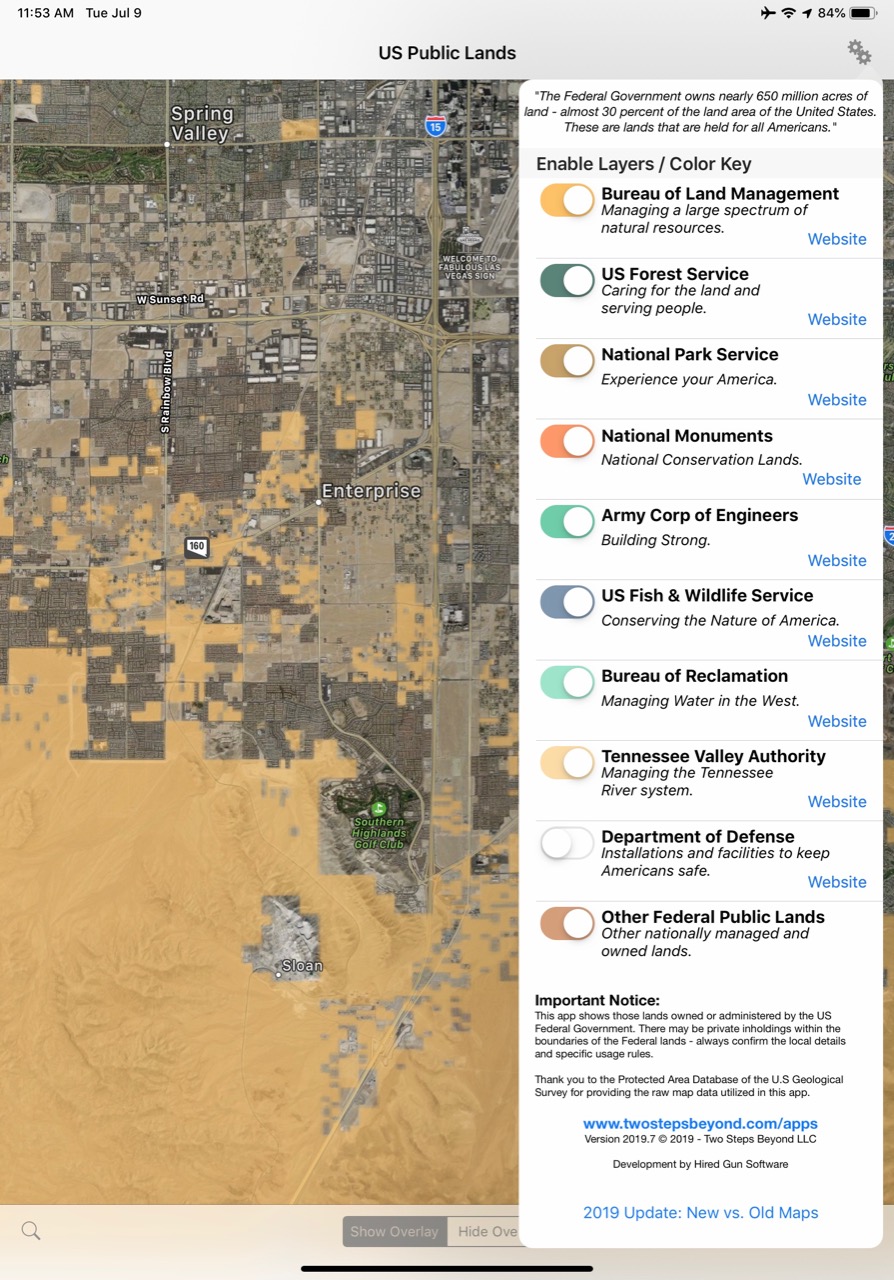
Included in the app are on-device (fully works offline), individually selectable & beautifully colored map layers for most of the properties administered by the federal government…
The original public domain US National Atlas data set we built US Public Lands around was unfortunately discontinued shortly after the app launched, and we were left without any easily useable source for updated map data.
And the National Atlas maps were pretty low resolution to begin with – and came with a disclaimer that they were not accurate to more than 640 acres (or about a square mile.)
Fortunately the boundaries of public lands change relatively slowly, but they do change – and over time US Public Lands was starting to get out of date.
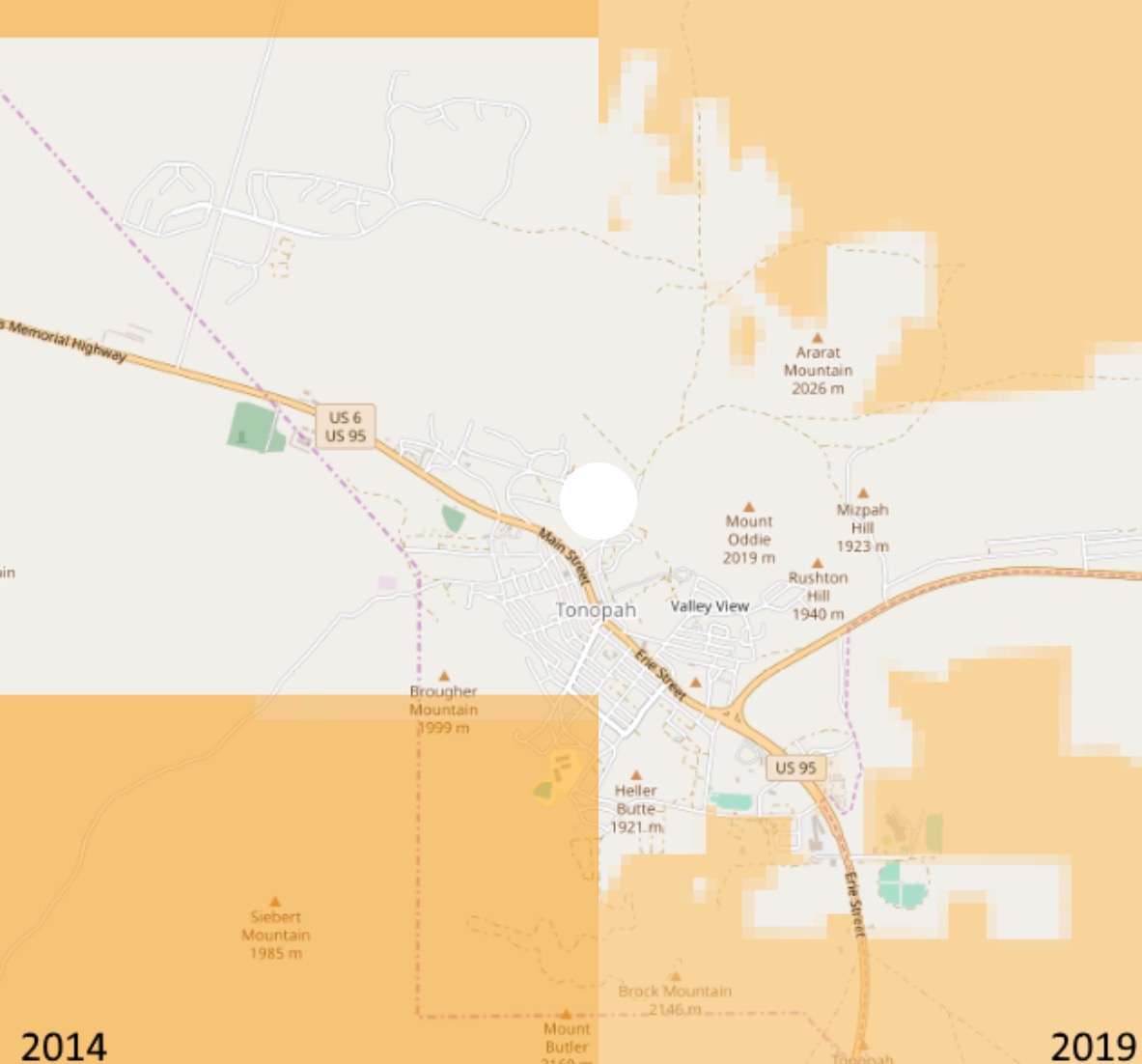
We set out this year looking for an alternative to the National Atlas, and discovered that the new Protected Area Database (PAD-US 2.0) from the U.S. Geological Survey was now available in a useable format, with MUCH higher resolution data to tap into (the header image of this post shows the before – left, and after – right).
And even better – the PAD-US database is an active and evolving project – which means that we’ll be able to more frequently update this app with future enhancements and improvements.
It took a lot of work behind the scenes get the public domain data into a usable format and to rebuild US Public Lands – but the results are worth it.
The level of detail available is pretty amazing in some places!
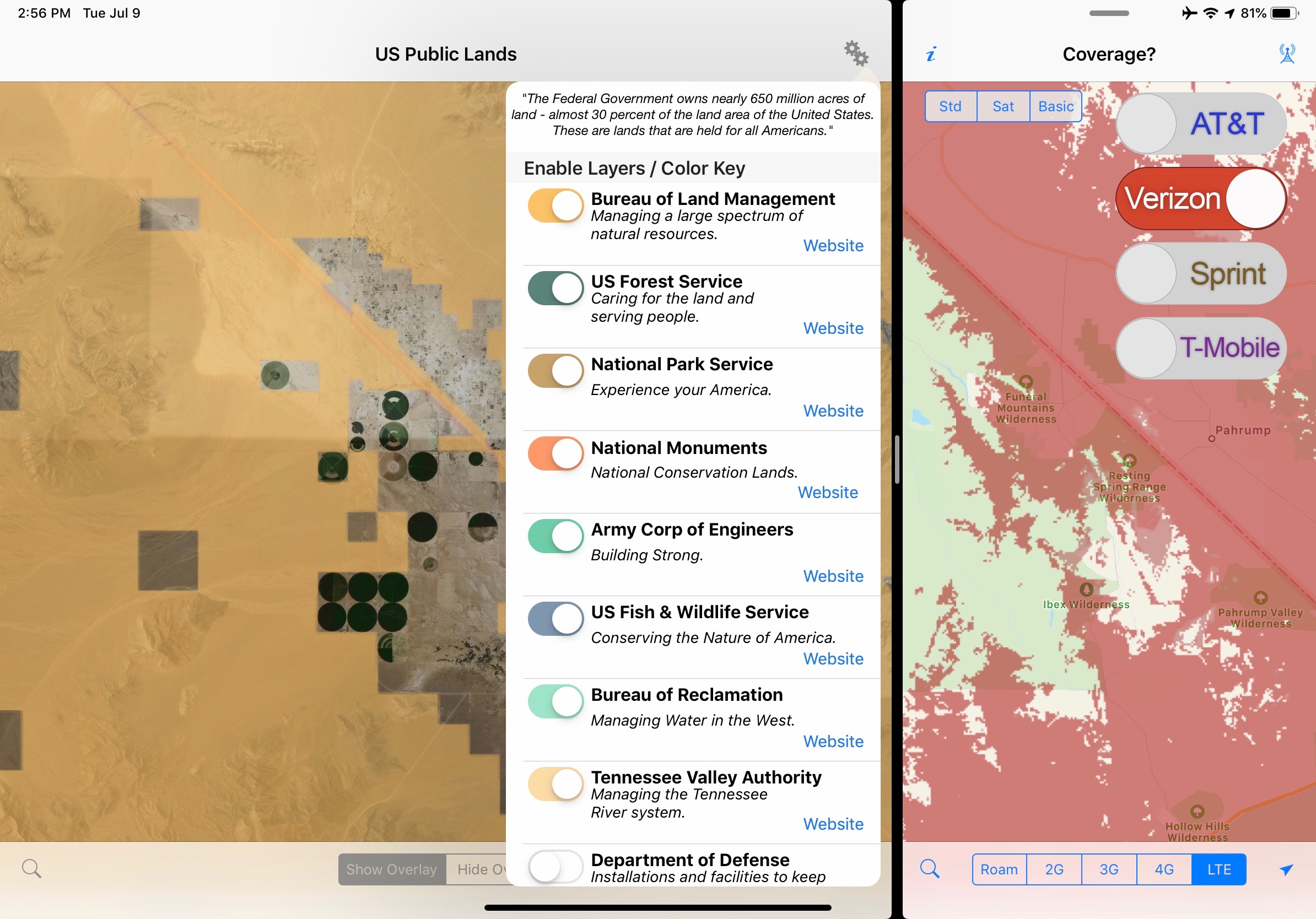
Here’s a quick video we created talking about our history as app developers, and showing how we use US Public Lands to scout out hidden boondocking locations in our RV travels (with great cell signal):
NOTE: The USGS PAD-US database contains the ”most up-to-date aggregation of Federal lands and waters” available, but this database is still evolving and some locations may not be listed and others may not have precisely accurate boundaries. We’ve in particular noticed some military bases that were charted in the old National Atlas which have not yet been added to the new database, and there are a few other minor omissions we have discovered too. But overall the detail available in the new maps is VASTLY improved over the old. So while the original data set could be counted on to be no more accurate than 1-square mile of resolution, the data in the new release will vary in resolution across the nation – and is often accurate down to the neighborhood block level.
But even with the more detailed maps: always remember, there may be private unmapped inholdings within any public lands – so always pay attention to local signage, indications, and information. Do not ignore your eyes and solely rely on this app for determining if you are on public or private land!
Get US Public Lands


‘Coverage?’ Still Going Strong
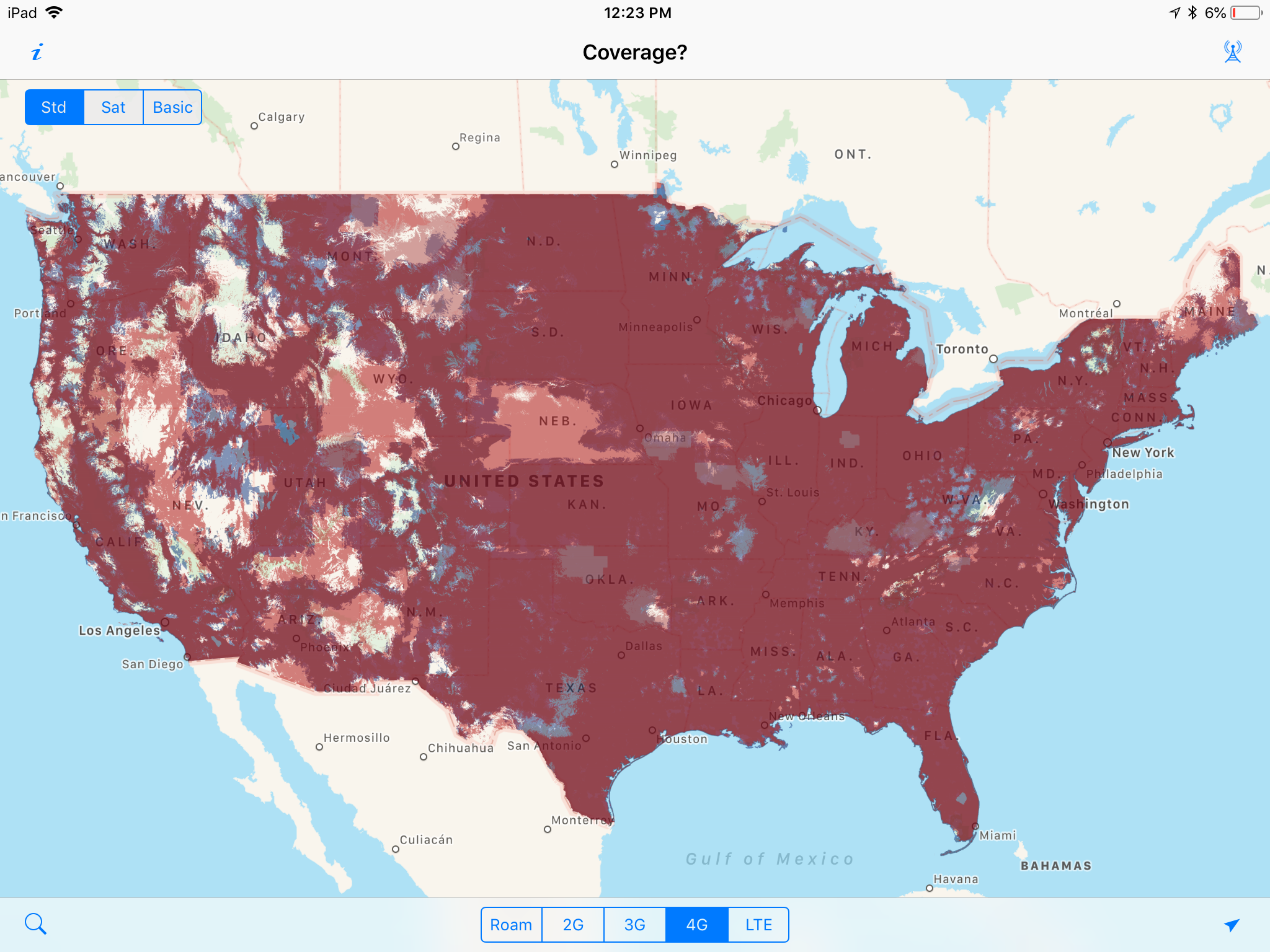
Our app for building you own personally customized cellular coverage map, ‘Coverage?’, was inspired after prepaying for a campsite for several days, intending to catch up on some work.
But soon after, we started getting messages from both of our primary cellular carriers (at the time, AT&T and Sprint) that we had exceeded our roaming allowance and were being cut off for the remainder of the month.
If only there were an app that might have let us know we were roaming!
We intended ‘Coverage?’ to be a simple tool for other nomads to better plan their travels around good cellular coverage.. especially when they have no signal.
But ‘Coverage?’ came out just before the dawn of the 4G/LTE era – and as the carriers raced to deploy 4G it was at the time the only way to easily overlay and compare the coverage maps from the different carriers.
‘Coverage?’ ended up featured in all sorts of “essential app” lists, covered by several major mainstream sites, and was even featured in Wired magazine.
But since the maps were constantly changing – keeping up with ‘Coverage?’ was a perpetual headache.
Especially for an app that was introduced before there was an option for in-app purchases and subscription models, the work that went into providing lifetime free map updates in return for a single one-time purchase just wasn’t a sustainable business model.
A few years ago, we were on the verge of throwing in the towel and retiring the app, but instead we sought partners to help.
First, we established a mapping partnership with Mosaik Solutions — they create coverage maps already for enterprise clients. That vastly reduced (but not eliminated) the workload to get out regular updates.
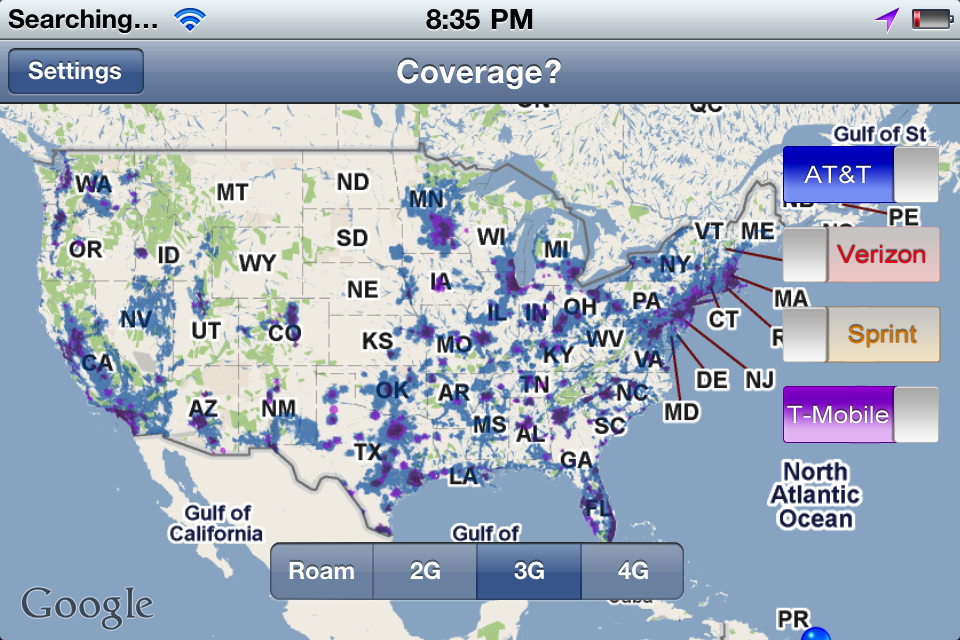
And our development partner (and fellow full-time RVer) Robert Lee of Hired Gun Technology was up for the challenge of not only creating an Android version, but taking over the iOS version as well.
We re-launched ‘Coverage?’ in April 2017 – and we were able to keep the “free updates for life promise” by continuing to deliver the original resolution maps. For frequent Coverage? app users, we also introduced the option to subscribe to more frequently updated higher resolution maps.
With enough annual subscribers signing on to not only get the maps but support the project, hopefully we can keep ‘Coverage?’ around long into the 5G future.
Get ‘Coverage?’
State Lines – Next Update Coming Soonish
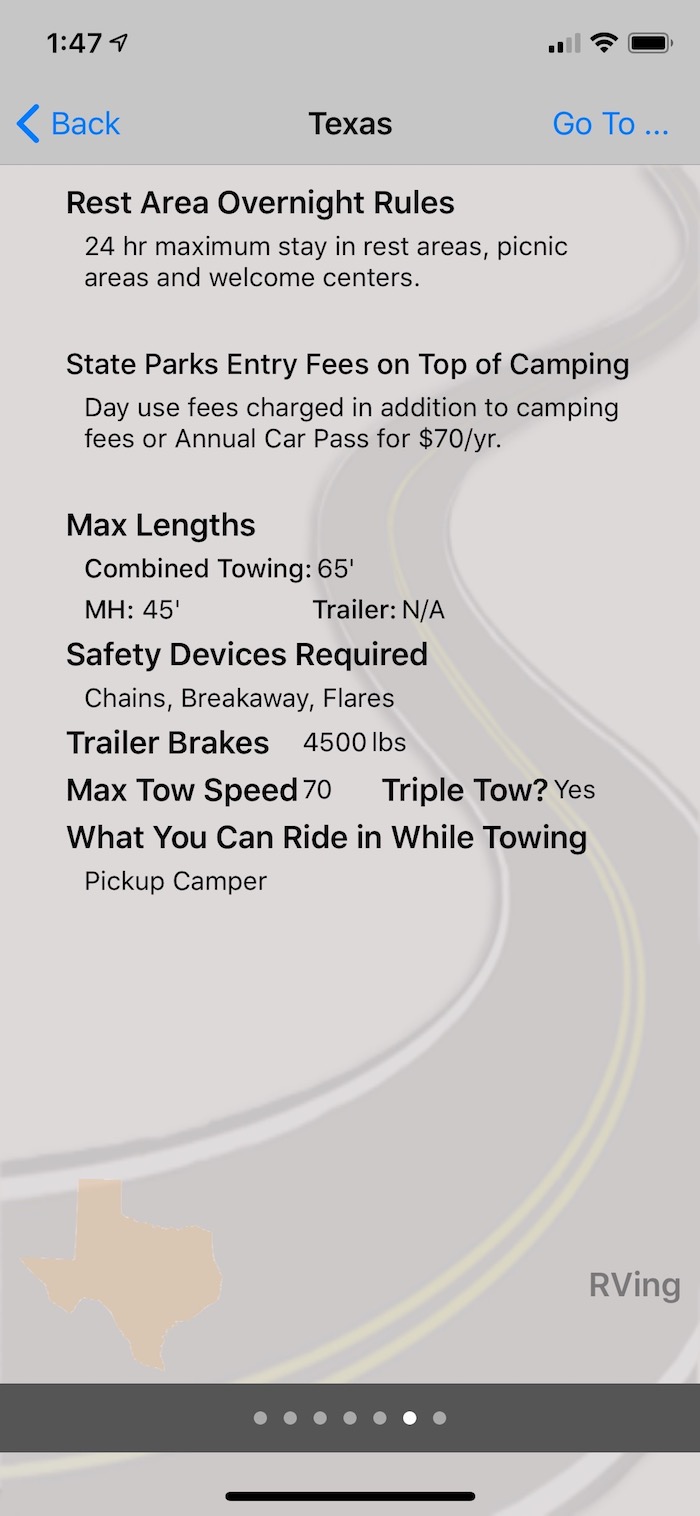
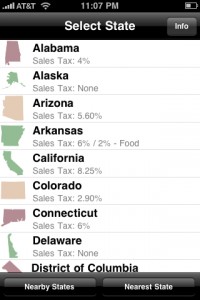
Our first app has never been a big seller, but it’s one we frequently reference ourselves – can we buy beer in the grocery store? What are the sales tax rates? Can we overnight in rest stops? Do state parks charge extra fees for entrance or tax? Can we make a left on red onto a one-way street?
Other than periodic updates for device compatibility and to update these laws that change as you cross state lines, the core State Lines engine has remained the same for nearly a decade.
Last year, Hired Gun helped us add some features we always craved and got the app better suited for the larger screens available today.
Now State Lines allows you to select three laws to display on the main screen for quick reference, and more easily allows you to move between the topics within each state.
The app is coming due for a content refresh, and we’ve already set aside time to handle this in a few weeks now that the US Public Lands re-write is done.
Get ‘State Lines’
Lessons Learned as Mobile App Developers
We’ve always considered app development to be a side hobby – and it is undeniably fun to play around in Xcode trying to whip a vision into reality.
And while the apps do produce income, the total overall is minor compared to our other income sources. Basically, beer money.
But it is also a LOT of non-fun work too, especially all the busywork to keep up with the core OS and store rule changes as both Android and Apple evolve things every year.
And, all of our apps have data sets that have to constantly be updated to stay up to date – and that is usually a lot of drudgery.
As the Mobile Internet Resource Center became our primary professional focus, we just didn’t have the spare ‘hobby time’ to keep up with all the ongoing maintenance.
Here are a few lessons we’ve learned over the years:
- Outsource Ongoing Development – The best thing we ever did was find a partner to hand over the ongoing maintenance of our apps. If app development isn’t a major part of our income, we just simply can’t let the ongoing maintenance rule that much of our work time. The continuing education required to stay on top of all the annual changes just wasn’t worth it for part-time developers.
- Pricing Models Matter – Back when we started app development, subscriptions and in-app purchases weren’t available. We were forced into a single upfront fee model for apps that required consistent updates. Switching to subscription models later is difficult – existing casual customers expect their original terms to be honored.
- Advertising Networks Suck – We experimented several times over the years with free versions of our apps with advertising as a revenue source. The user experience was awful (with the networks often serving up embarrassingly tacky and spammy ads) – and the ad networks only pay out after you have accumulated an implausible amount of clicks. In the end it was a lot of work for very little return, and it just cheapened the look of our apps.
- Bundles Work – Apple lets us bundle our apps together at a discount into the ‘Technomadia App Collection’ and that has been a wonderful way to encourage people who like one to buy more – especially since you can complete your bundle after buying a first app.
- Ratings & Reviews – We’re suckers for feedback on the work we do – and we take it personally with everything we put our hearts into. Bad reviews are demoralizing, and we actually found the higher we priced apps, the better ratings we got. But the lower the price, the more sales. It’s a tough balance. But notably because of the low resolution maps originally in US Public Lands – the app got some pretty horrible early reviews. But amazingly, it’s often our best selling app. Go figure. Turns out, developers are probably the only ones who actually read reviews – so we quit really closely paying attention except for spotting bug reports.
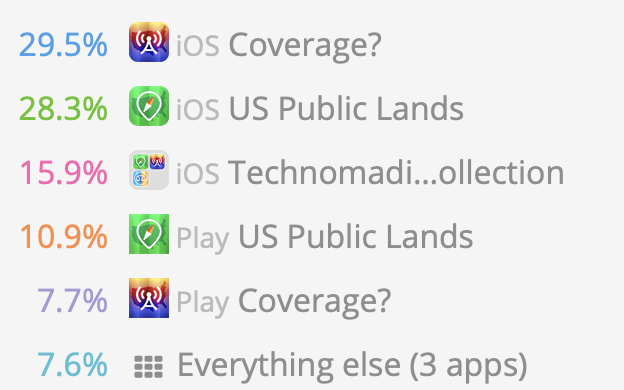
- iOS vs Android – We’re personally solidly Apple people, and our apps were all originally released iOS only. After so many requests for Android versions – we took Rob up on his offer to come out with Android versions. All three apps have been out for years in both versions, but iOS still outsells Android 4 to 1. Had Rob not offered to do the development at no cost to us and just splitting revenue, there’s no way we’d find it worthwhile releasing Android versions of apps. In comparing notes with other developers – it’s our observation that while there may be more Android handsets out there, there are more app purchasers with iPhones & iPads.
What Next?
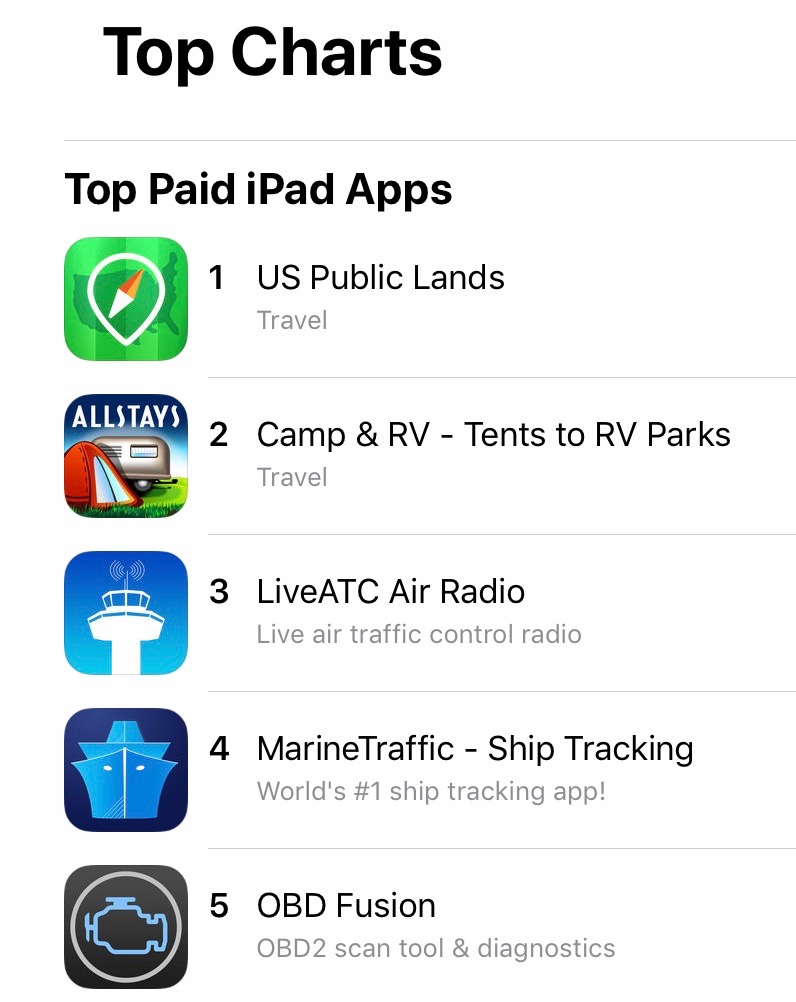
We are no longer regularly fantasizing about shutting down our apps to get out of the app business. We think we’ve struck a nice sustainable balance that we hope should keep all our current apps alive for a long time.
We’re still intimately involved in the content, marketing and business development of our apps.
But we are also no longer sketching out ideas for new apps either (as often as ideas come into our noggins). It is just too much work – and it is ridiculously hard to gain any traction in such an overcrowded market.
So no… We can’t help you with you app idea.
But if you do develop something cool – let us know!
We love hearing from other mobile app developers who are actually living a mobile lifestyle too!
PS: We say we don’t look at the reviews much anymore, but “the algorithm” does. If any of you would be so kind as to leave us a good review (or update an old one) – we will do a happy dance, and it will make our apps that much more visible to other new users!
We’ve been loving your apps since hitting the road three years ago. Thanks for the update and explanations on all of it!
We used Coverage? all the time when we were living full time in an RV as staying connected was critical to us. Thanks for doing all that work on behalf of all of us.
As an RVer that travels with a gun, I would like to see gun info added to State Lines app.
We actually removed that years ago – way too complex of a topic (and too critical) to fit into a couple word summation. There are apps dedicated to this topic.
BTW – in particular, check out the “Legal Heat” app. They have comprehensive gun law summaries for all 50 states written by attorneys. There is no way that we could ever summarize something so complex in a general purpose app like State Lines.
As always, your post is so interesting, even when some of it is over my head, technologically speaking. Even so, these heretofore unknown terms become the building blocks for future knowledge, so I’m always learning. Thanks for a consistently wonderful blog. You’re at the top of your game and my list of recommendations to other full timers!
We have enjoyed State Lines since 2011 and use it often. Excited about Coverage and Public Lands which we just purchased. Thanks for meeting the needs of RVers!
Thanks for filling out the collection, and hope they are assets in your adventures!
Thanks for the v interesting article and app update, Chris. You gave a glimpse into app development and maintenance that was all news to me. The update of your apps’ future was good to know and your direction sounds smart. Well done!
I’ve been using public lands and state lines for Android since they came out – I use state lines all the time as I’m traveling. I forgot they were originally for apple. Thanks for the reminder as I’ve just switched to Ipad – just ordered the bundle and they are downloading now.
Thanks for getting the bundle and for supporting the apps … hope they continue to aid in your adventures!