
• Skip to primary navigation
  • Skip to main content
  • Skip to footer
Technomadia

Technomadia

Adventures in Nomadic Serendipity

  • Blog
  • Video
  • Technology
    • Mobile Technology
    • Solar Electrical System
    • Lithium Ion Batteries
    • Mobile Internet Setup
    • Mobile Internet Resource Center (Our Work)
  • Nomad
    • No Excuses: Go Nomadic Series
    • Nomadic Lifestyle Featured Posts
    • Travel Maps, Annual Wraps-Ups & Plans
    • Fitness on the Road/Water
    • Cost Log
    • Kiki’s Corner (RIP: 2008 – 2024)
  • RVing
    • Zephyr – 1961 Bus Conversion
    • Blooper – 2020.5 Winnebago Travato 59GL Van Conversion
    • Bus Projects
    • RVing Lifestyle Featured Posts
    • RVing Travelogues
  • Boating
    • Y-Not — 1999 Bayliner 4788 Motor Yacht
    • Boat Projects
    • Cruising Lifestyle Featured Posts
    • Cruising Travelogues
    • Great Loop Map & Posts
    • St. Johns River Cruising
  • About Us
    • Start Here – Quick Intro
    • Our Full Story
    • “Technomedia” (Media Appearances)
    • Say Thanks
    • Contact Us

Full Time RVing Workspaces: Bob Milstead

Name: Bob Milstead
Occupation: Virtual Sofware Developer (Java)
RV: 2001 Monaco Executive – 40’
On the road since: 2012

This may be the least expensive workstation setup on the list.  Total cost was less than $60 (not counting the computer equipment). I used the existing Monaco table, chair, and ottoman. I use the logitech unifying (wifi) keyboard and mouse.  The keyboard sits in my lap and the mouse is on the arm of the chair, which is flat.

The monitor is secured to the desk with the SIIG tilt/swivel desk mount.

The bungie cords hanging from the back of the monitor are used to secure the monitor to the desk when in motion.  I swivel the monitor into the fore and aft position and the bungies hook under the edge of the desk. Note the rubber hanger that my bose headset hangs in on the back of the monitor (to the left in the picture below)to keep them handy but out of the way when not in use.

The laptop itself sits in two pieces of walnut that are attached to the desk using clear silicone.  Below the desk (just visible as lighter colored wood) is another little walnut pocket into which the keyboard slides from the left to get it out of the way when not in use.  It is also secured to the underside using silicone.  In the near future I will add another similar wooden structure below that to hold remotes for TV, Stereo, awning, etc., my cell phone, and a paper notepad. (the stuff you see on the window ledge in the top picture)

Here you can see the groves routed into the top of the walnut into which the laptop sits.  The laptop is shifted out of position in this photo so you can see the grooves.

This setup is really comfortable because my feet are up off the floor and the height of the monitor is direct at eye level, which works great for my progressive lens eyeglasses.


This profile is part of the Change Your Office View: Full Time RVing Workstations series — we hope that by sharing what others have been able to create in their RVs will help inspire you as to what is possible to work on the road.
Sharing is Caring:

  • Click to email a link to a friend (Opens in new window) Email
  • Click to share on Facebook (Opens in new window) Facebook
  • Click to share on X (Opens in new window) X
  • Click to share on Pinterest (Opens in new window) Pinterest

Like this:

Like Loading...

Footer

Fleet Status & Travel ‘Plans’

Boat: In storage - Maryland
Bus: In storage - Arizona
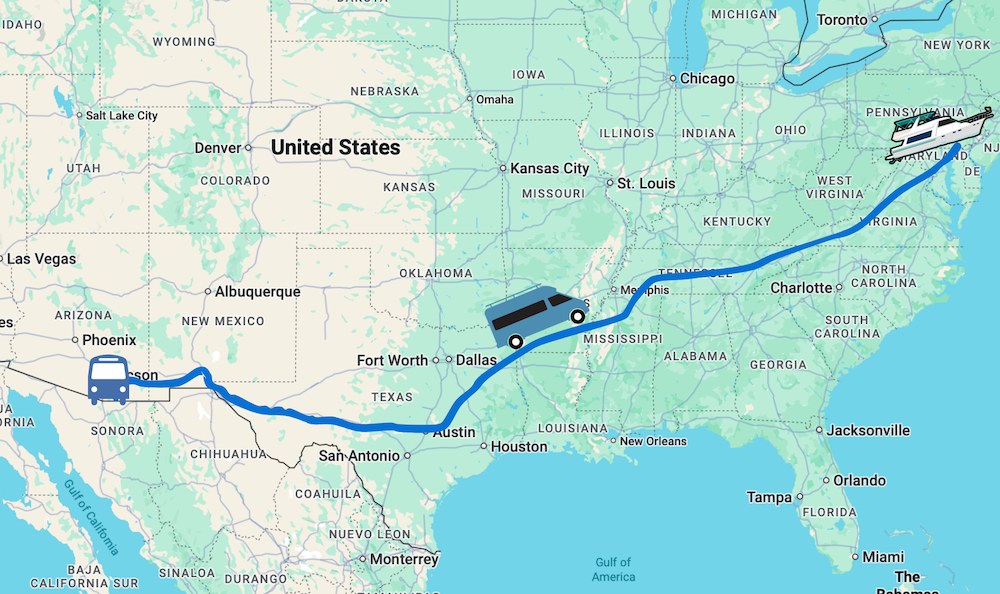
Van: In motion - MD to FL to AZ

Current Travel Segment:

Back to van life - first Florida, then Arizona for winter! Technomadia

Are we coming your way?

Be In Touch!
View our full Travel Map

Join Us – Be In Touch

Contact Us

YouTube

Facebook

BlueSky

RSS Feed

Subscribe to our Posts 

Archives

About This Website

This is our virtual living room - sharing here is our hobby, not our primary income source. Yup, we do this all for fun. We are self-funded and accept no sponsorships, advertising or guest posts.

Some links however may be affiliate links - they provide a little extra ka-ching to keep us motivated. Some items we may have received at no cost (always disclosed).

Our motivation is to share a slice of our mobile lifestyle and make new friends. Technomadia.com is provided for entertainment purposes only.

This content is copyrighted

We love it when you share our content, but please ask before copying it. Thanks!

Privacy Policy
Terms of Service & Disclosure

  • Mobile Internet
  • Solar
  • Lithium
  • Boondocking
  • Workspaces
  • Interviews
  • Gear
  • No Excuses
  • Videos
%d