
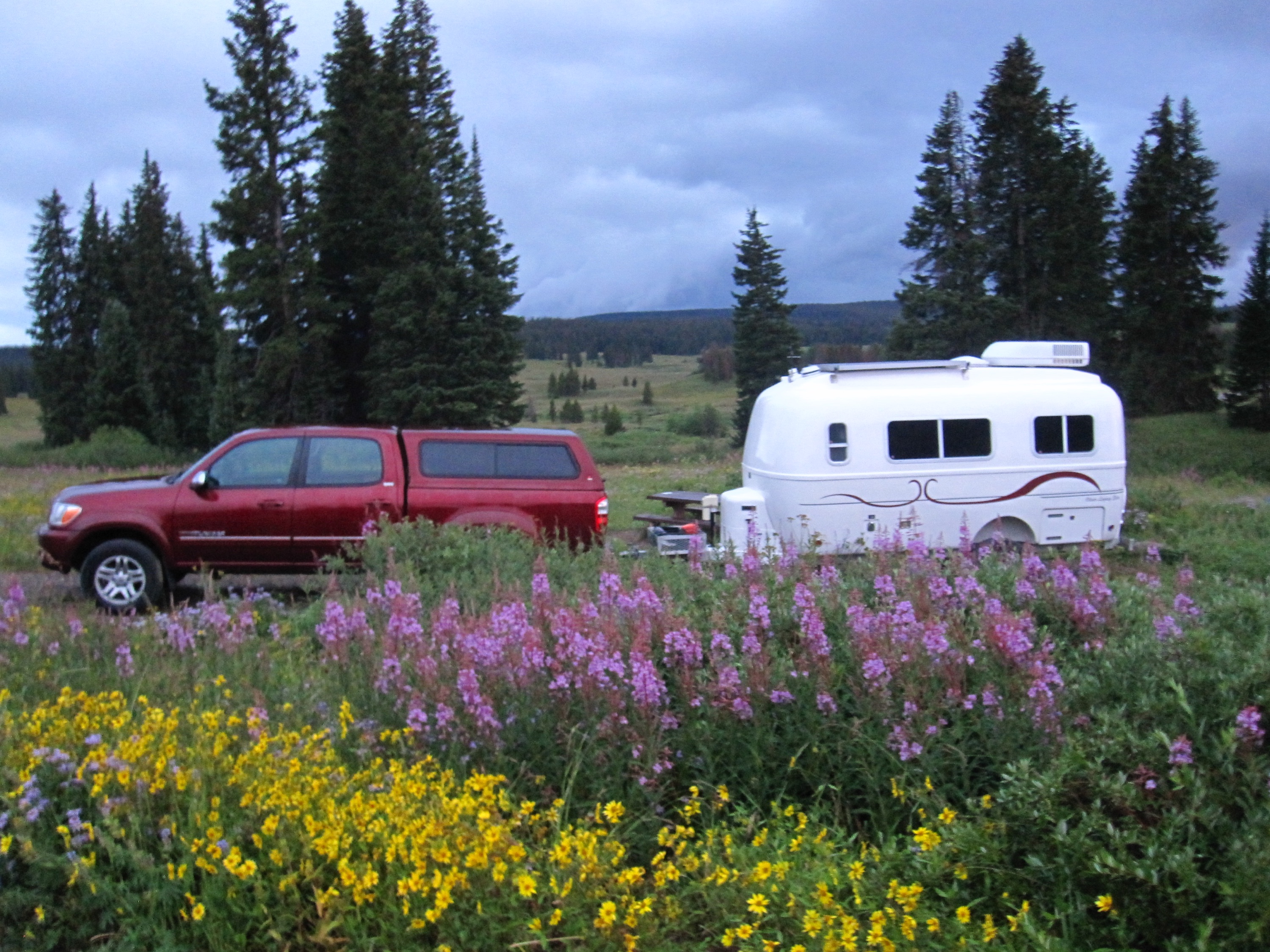
Nearly 7-years ago in the middle of a crazy cross-country repositioning, we prepaid for a campsite in a beautiful location surrounded by wild flowers in Colorado for 3 days.
We had great signal on our cellular devices and decided to plop down and get some work done.
A few hours later, our carriers started sending us TXT messages that we had exceeded our roaming limits and were being shut off for the rest of the month.
None of our devices indicated roaming, and now we couldn’t even get online to check the carrier’s coverage maps to confirm or plot where to go next.
There had to be a solution to this problem!
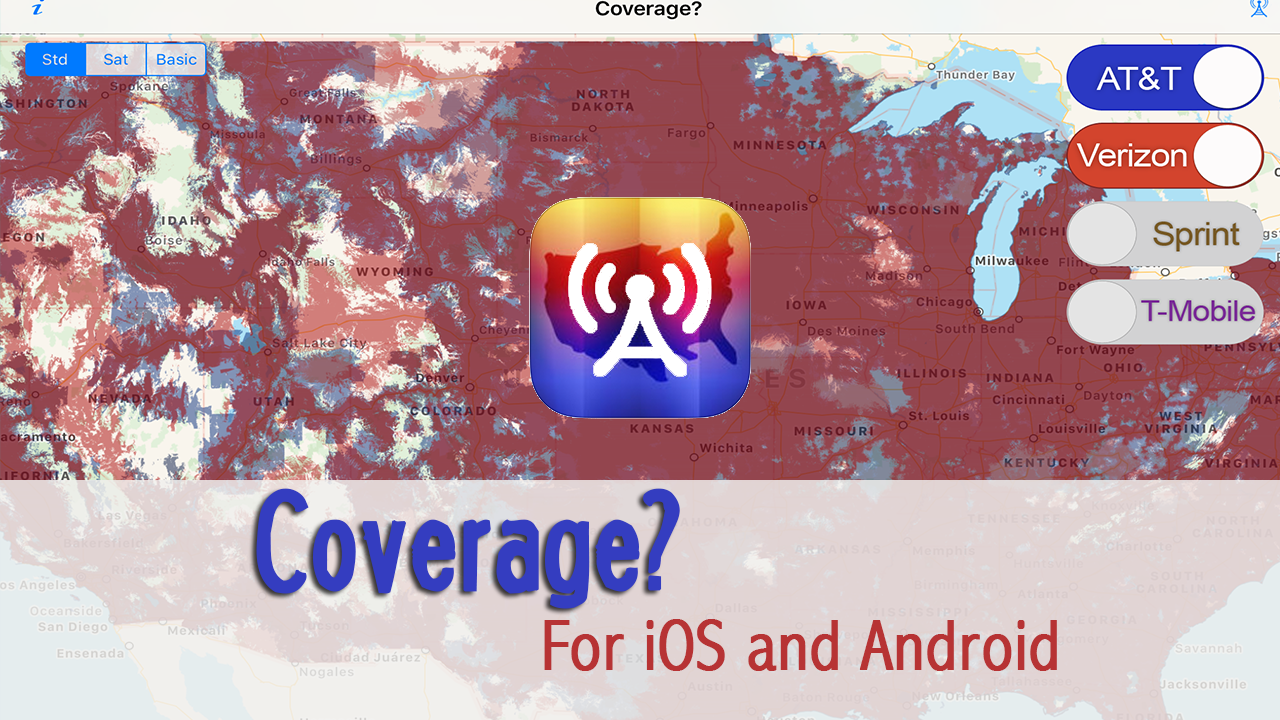
Soon after, there was – we created an app for that. Coverage? was released for iPhones and iPads in late 2010 inspired by this incident.
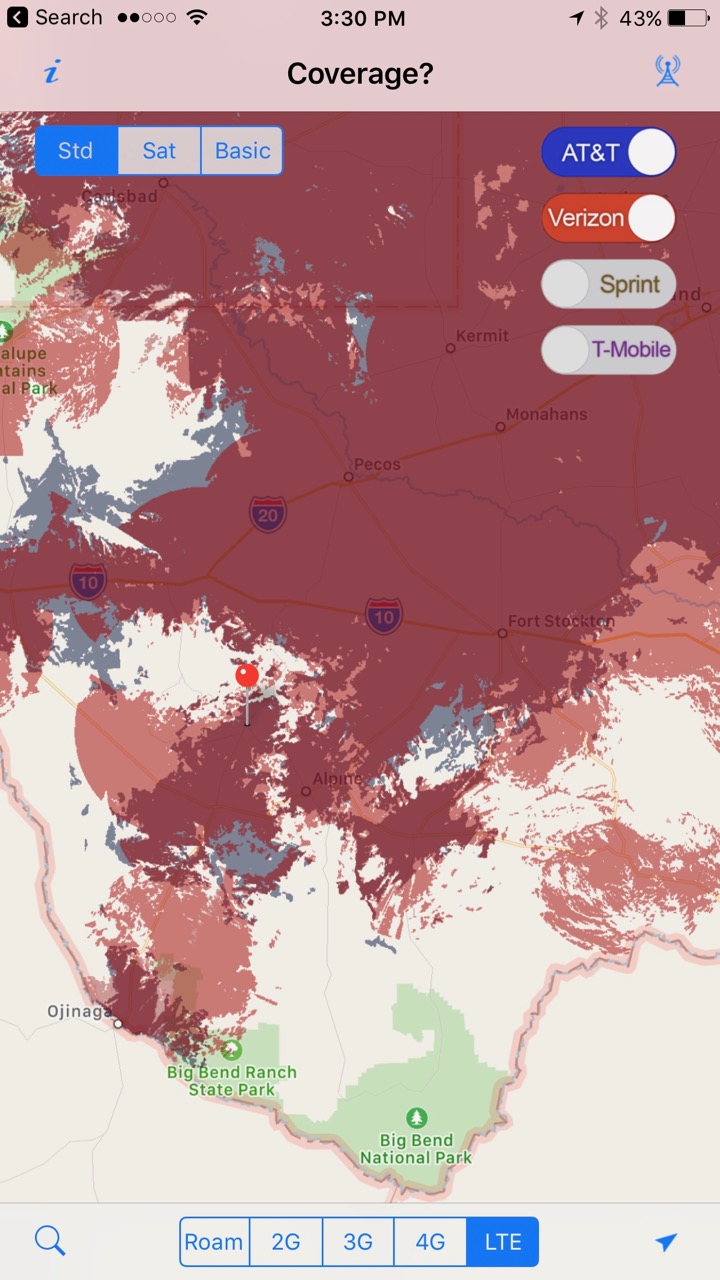
The carrier’s coverage maps on our devices, so we could create a personal coverage map of the carriers we travel with (today, we prefer Verizon & AT&T) and scout out in advance if we’ll have decent odds of getting a signal.
And when we don’t have signal, we know which direction to head!
Seven Years Later… Android at last!
It turns out, creating the coverage maps is very labor intensive and the carriers change their coverage frequently.
There was no such thing as in-app purchases back then for us to offer a funding model for Coverage?’s greatest fans to assist in the ongoing efforts.
Somehow we managed to make enough time to keep the app updated a few times a year, but the app remained a hobby side project for us.
We could never get around to adding new features or creating the much asked for Android version. Around this time last year we seriously contemplated what to do with the app – sell it? retire it? or re-vitilized it?
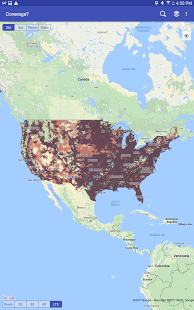
We decided to seek out help. First, we established a mapping partnership with Mosaik Solutions – they create the maps anyway. And our development partner (and fellow full-time RVer) Robert Lee of Hired Gun Technology was up for the challenge of not only creating an Android version, but learning iOS.
This has allowed us to at last fully revamp ‘Coverage?’ – taking it cross platform and establishing a sustainable foundation for the future.
This week’s release is the very first major re-write of ‘Coverage?’ since the app was first launched in 2010. And we couldn’t be more thrilled with it.
Over the years many other RVers (and travelers of all sorts) have also come to rely on this app as an essential tool for scouting out signal along their routes ahead.
Check it out, and let us know what you think.
Video Demo
Here’s a quick video demo of the new version of ‘Coverage?’:
HD Maps: Four Times The Detail
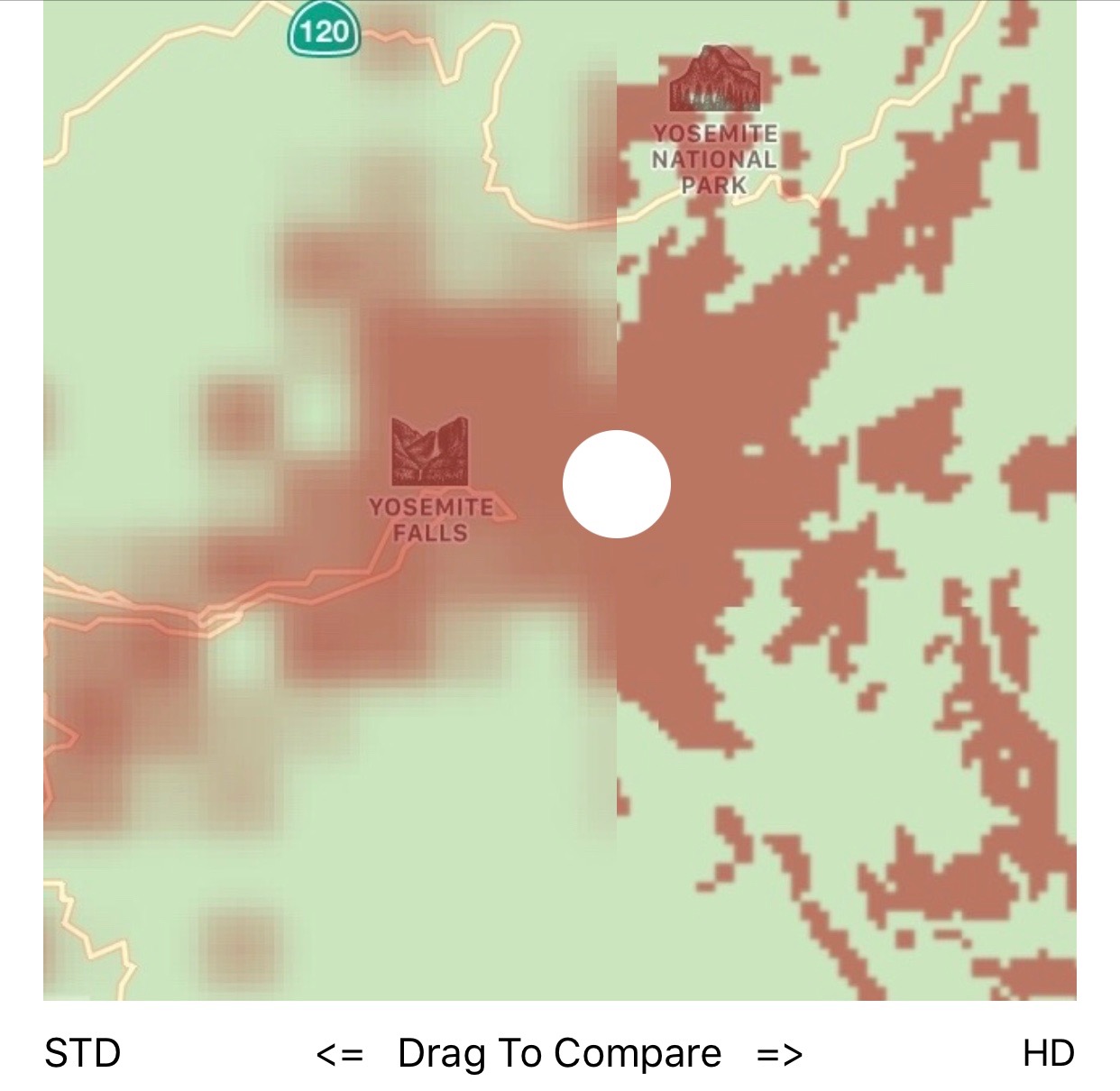
In addition to the Android version, the biggest news with the new version of ‘Coverage?’ is that we have added the ability to subscribe annually to higher resolution coverage maps with four times the detail.
This ongoing revenue should make it worthwhile for us to continue investing in keeping the app up to date and adding new features – and HD map subscribers will get in-app map updates quarterly.
HD map subscribers will also gain the ability to turn on a satellite view background layer, making it easier to scout out how terrain might be impacting your coverage.
Not interested in a subscription? No problem.
Everyone with a paid version of ‘Coverage?’ will continue to receive FREE standard regional resolution map updates (the same resolution as before) throughout the year, just as always.
These free updates apply even for those who first purchased the app nearly 7 years ago!
Other Tools for Hunting Coverage
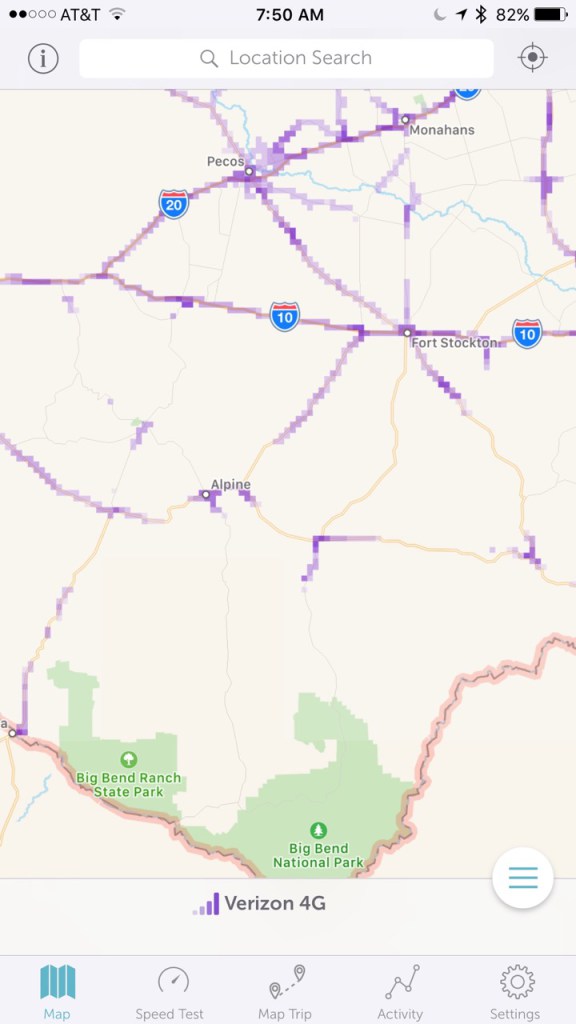
Crowdsourced coverage maps (like Sensorly here) can be useful, but in many areas of the country there is hardly any data reported – leaving a map covered with scattered snail trails.
There are other similar coverage tracking tools available – and they can be a great for scouting out signal conditions ahead too:
- Sensorly – Free, crowdsourced coverage mapping for iOS and Android.
- OpenSignal – Crowdsourced maps and tools (iOS and Android) for locating the nearest cell towers. Note that the OpenSignal tower locator tool is often wildly inaccurate, so do not rely on it for aiming directional antennas.
- Rootmetrics Coverage Map – And yet another crowdsourced map with an iOS and Android app.
The key difference is that these other apps create maps based upon crowdsourced data submitted by users – and much of the country (especially areas outside big cities where RVers like to roam) remain sparsely mapped.
‘Coverage?’ on the other hand uses maps based on the official (and admittedly optimistic) coverage maps published by the carriers themselves. In our experience, if ‘Coverage?’ shows coverage – odds are we can latch onto it with either cellular boosters or antennas.
Both types of tools serve a purpose, and work well when used together.
Here is our new video guide to finding cellular coverage, using the available tools:
Getting ‘Coverage?’
 The new Android version of ‘Coverage?’ is free to download, and has a 7 use trial with standard resolution maps before locking itself to display just a single selected carrier’s LTE coverage map unless a $2.99 one-time unlock is purchased.
HD Map subscription is an optional annual purchase.
The iOS version remains $2.99, as always – now with the ability to also subscribe to HD Maps annually. We will eventually also launch a free preview version for iOS like we have done for Android.
Here are the links:
- Coverage? – iOS Version (iPad & iPhone)
- Coverage? – Android Version
Enjoy, and thank you all for so much support over all these years!
Side Note: We have two other mobile apps – State Lines (tracks state laws that change as you cross state lines – like, can I buy beer in the grocery store?) and US Public Lands (overlays federal public land boundary maps). Both also tools we created to solve problems in our own travels.
State Lines is currently in the process of having a complete data refresh, and we should have an update out in a few weeks. And then we will be on the hunt for updated maps to refresh US Public Lands with.
How to you get the app to actually work. Even after paying for it, installing, uninstalling, and reinstalling several times, I can’t pull up a carrier. Is there a glitch in the system since it appears I’m not the only one with this issue. Thanks
In the upper right hand corner you can bring up the carrier toggle menu. Turn on the carriers you want to see. If you’re having difficulty with the app, please contact our support e-mail address so our developer can assist.
Cherie. We are only trying to us it on my wife’s phone. That is the same phone she made the purchase on. We just don’t know how to force the app to run in HD mod. It’s still running in eval mode despite purchasing the app several days ago. What might we be doing wrong?
Please write us at apps@twostepsbeyond.com so that the developer can look into it.
We just purchased Coverage for Android. The phone app is still operating in “free mode”. We uninstalled and reinstalled with same result. How can we “force” the app to go into HD mode?
Note: the app was purchased under my spouse’s gmail account,
Make sure you are both using the same Google Play store login for your downloads to benefit from the purchase.
Cherie, do you have any advice on which phone might be better for me… I’ve had it with what I have (Alcatel A564C – 2 GB storage – 3G thru Walmart / Straightalk) maybe staying with Android might be advantageous, but my daughter has an iphone 5 with 128GB and it works very well. She is on Verizon. My GPS has never worked and I have to do something soon. I don’t think I need 128GB, but not sure if 16GB would be enough either. I don’t have a lot of apps, nor music, nor photos, but would have more if I could. I am thinking about biting the bullet and going with either Verizon or AT&T… adding the Mobley and that 22GB sounds like interesting thru AT&T, but again, I was quoted bring my phone and hotspot and its $155 per month and you were right, the AT&T store had not heard of the Mobley (sp?), Thank you. Clint
Oh gosh.. phone choice is such a personal decisions, kinda like choosing your underwear. We’re personally die-hard Apple fans, so only the latest iPhone model for us.
Ok. Once I made this last comment, then all of the comments came through. Previously it looked like there were no comments. Never mind!!
Hmm.. interesting. I answered all comments last evening on this post. (It only went up yesterday.)
I commented several days ago. Why didnt it go through?
Such great work that you do, providing such essential travel tools for us all of us to benefit from. I’m adding all 3 of your apps to my iPad today. Thank you, thank you, thank you for your hard work!
And thank you for supporting it!
Welcome to the most widely used mobile platform! Better late than never . I hope as much care and effort go into it on an ongoing basis as with the iOS version. Remember, most of us do NOT use Apple products.
Based on our sales history with State Lines and US Public Lands, and consulting with other app developers – we know from experience that while Android may have more users in general, iOS tends to have more app purchasers. Our sales are about 6x higher for iOS than Android. We decided to create the Android version anyway.
So glad to get my hands on the Android version. My phone now sport the trilogy of Technomadia apps!
It’s been a long time coming, glad to finally be able to offer it!
Great job, y’all! I am in awe of your output! Looking forward to your sharing your Great Loop adventures.
Thanks.. there’s no way we could have gotten this release out without these partnerships.