
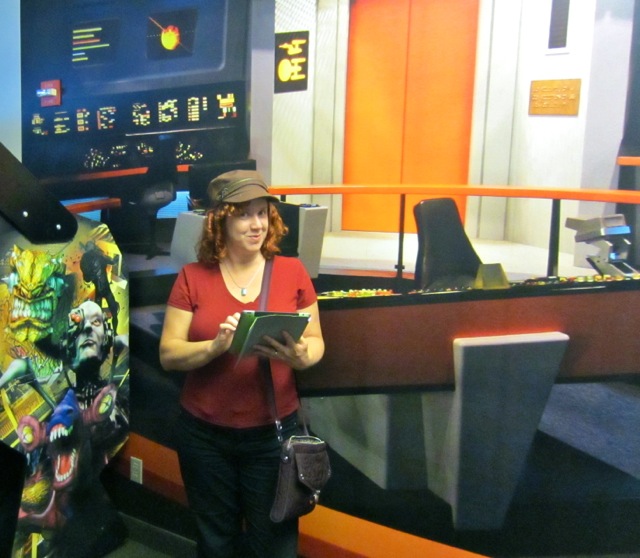
If you stick around here very long or check out our Technical Arsenal, you’ll probably pick up we’re quite the Apple FanNomads – we each have a Macbook laptop, an iPad and an iPhone.
We’re often asked what role each of our devices plays in our mobile life, and if we recommend a similar setup.
As with most recommendations we’re asked to give, it really comes down to – ‘It Depends’.
But what we can do is describe how each device fits in our lives.
Laptops
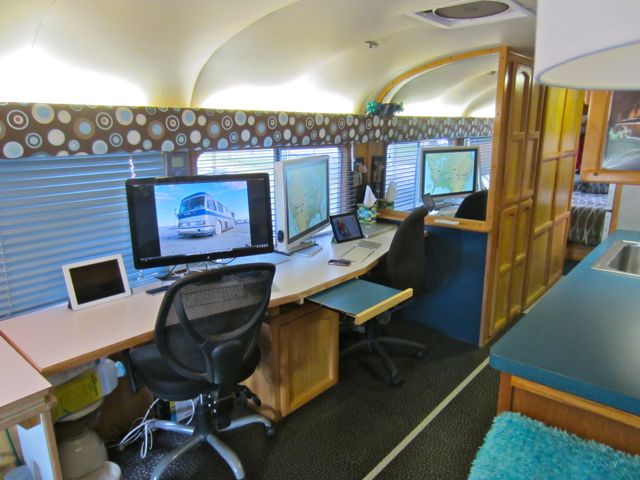 Our laptops essentially serve as portable desktop computers. They sit docked into our workstation hooked into large monitors and a bluetooth keyboard and trackpad. But when needed, we can stick them in a backpack and travel with them by other modalities (plane, train, boat, etc.), take them to a location with better WiFi or to hike up a trail for a better office view.
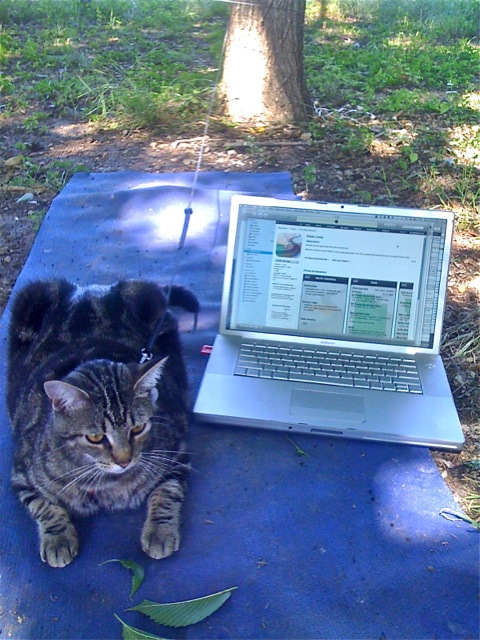
We generally use our laptops primarily for creation – developing our apps, programming, producing videos, writing blog posts, major writing projects, graphic design, photo editing, database maintenance, financial bookeeping and more. And yes, we’ll also browse the web, do intensive research, e-mail and social networking like Facebook and forums.
As the other side of my business is in the Windows ASP / .Net world, I utilize VMWare quite often on my laptop to run Windows within OSX. This has made my Macbook Pro the perfect travel companion for me (and wheee… I get to regularly deal with the annoyances of both operating systems).
We both used 15″ Macbook Pros for quite a while – and they were an ideal size when we were living/traveling in the small Oliver.
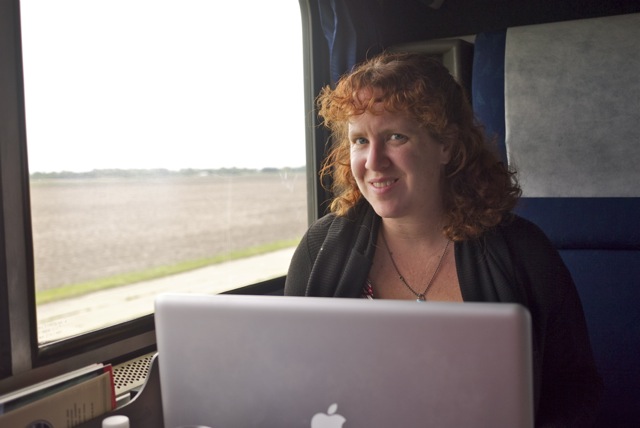
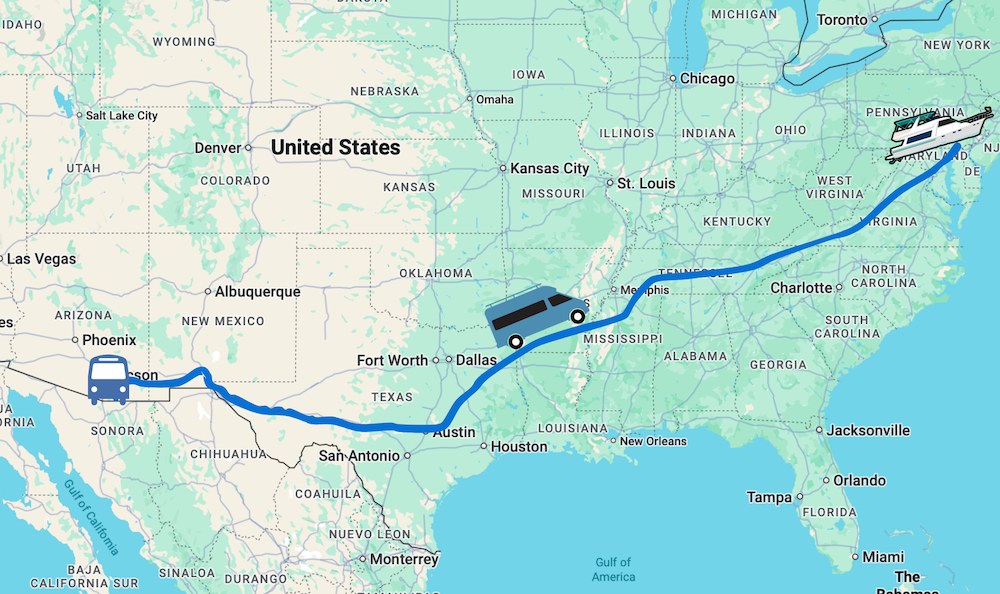
But I switched to a 17″ Macbook Pro before we moved over to the Virgin Islands last year, as we were not taking external monitors and wanted the greatest amount of screen space I could get. When we got back mainland and went off on our vintage bus hunt via Amtrak, it was quite cumbersome to carry the 17″ on my back everywhere. For now I’m continuing to use the 17″ with a sweet 30″ cinema display.
I’m anxiously awaiting the next announcement of Macbook Pro line-ups to decide what I’ll switch to next now that we are living in the bus with the intentions of tossing in some international travel. I’m thinking I’ll either go back to a 15″, or even possibly a 13″ if I can get enough power to run everything I need (my benchmark: running VMWare, Photoshop and iMovie).
Chris more recently switched his 15″ Macbook Pro to a 13′ Air running a 27″ Thunderbolt display. He’s quite happy with the setup, and he’s all prepared to toss his Air into a backpack and take off with a moment’s notice!
iPads
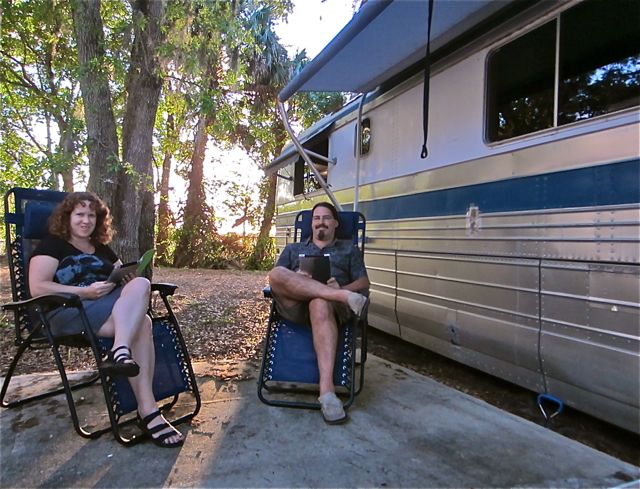
Even we have been amazed with how critical our iPads have become in our daily lives. When we purchased our first ones over 2 years ago, we were not sure if they would just be an expensive eBook reader and hype. At first, we mainly read content on them – browsed the web, received e-mails, read a book, etc. But with each release, and more and more apps becoming available – our iPads have become creation devices too.
In fact, recently my Macbook Pro had to be sent in for repair for several days and I drafted this blog post on my iPad connected to my Bluetooth Keyboard – it was awesome. I was able to keep on top of many of my work tasks, including creating a screen mock-up of the custom iPad app we’re currently working on for a client.
We currently have an iPad 2 / 32GB / AT&T-3G and a ‘new’ iPad / 32GB / Verizon-LTE.
With the iPad able to do more, do we still need laptops? For us – absolutely yes, as there’s just too much that needs to be done on a full computer in our lives. But we see the day around the corner where tablet devices like the iPad can be laptop replacements for many folks… and maybe some today.
For us, our iPads have become our ultra portable devices. They give us freedom to be even more on the go than before. For instance, I used to feel I needed to be nearby my laptop during work hours to respond to client support requests. This either meant sticking around the home office Monday-Friday or lugging the laptop with me. If my laptop needed to be sent in for repairs, I’d freak out – how would I meet my obligations? Not anymore.
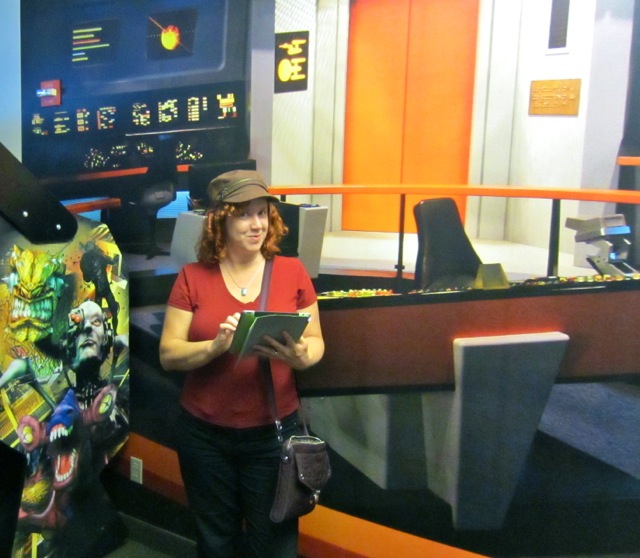
I’ve found a nice iPad & tech carrier that looks decently fashionable and passable as a ‘purse’ (I’m a total bag geek), and can do my “day job” from anywhere I can get cellular or WiFi signal. It’s so much more lightweight and easy to carry, and I no longer get fidgety while away from my full on office tech suite. An iPhone was great for checking my e-mail and taking phone calls, but left a lot to be desired if I needed to log into our online systems to look something up or diagnose a problem.
Aside from being my hypermobile office, our iPads are frequently used for these functions in our day:
- Navigating. The 10.5″ screen combined with Google Maps makes for an ideal navigation tool. We’ll pull up the map and our intended destination and scope out potential routes. As we don’t generally like following a GPS’s turn-by-turn directions, this works great for us. If we’re out of cellular signal range and can’t pull up Google maps, we do have CoPilot USA with offline maps to resort to.
- Travel Planning. We use several apps to better plan our travels – from selecting campgrounds with our two favorite apps Camp Where (for public parks) and RV Parking (for all parks), finding free overnight potentials & dump stations with AllStays Camp & RV, upcoming diesel options with Where?, to checking coverage maps for cell phone connectivity with our own app Coverage? and checking state laws with our app State Lines.
- Streaming Content. As our AT&T iPad has grandfathered in unlimited data, we use it as our streaming content device for viewing Netflix and network shows. We even download iTunes content for TV shows we’re watching (currently Mad Men and Big Bang Theory) to our iPads, and via our Apple TV watch them on our 22″ LED TV screen in the bedroom.
-
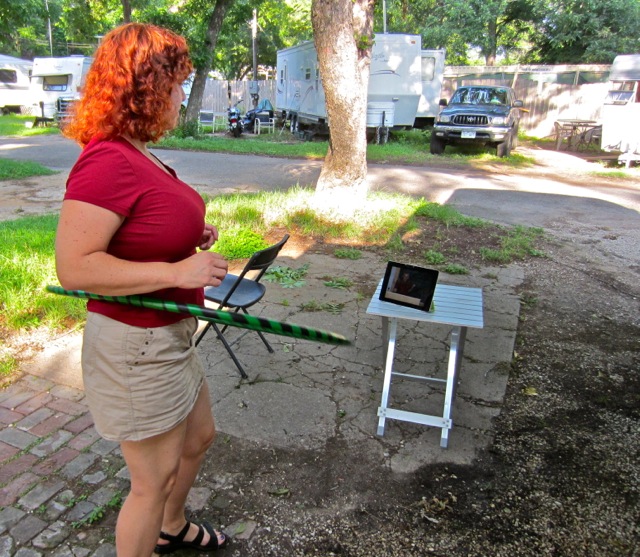
Attending iTunesU Oncology classes while hooping. Learning. We’re both virtually attending classes on iTunes U – a great free resource for learning whatever interests you. Chris has taken many of the Standford iOS classes to learn iPhone/iPad development, and I’m taking a few Mini Medical school courses for fun. We’ve both enjoyed many an afternoon watching a class from the luxury of hammock under a shade tree or while hula hooping, and filling our brains with new content.
- Morning News. When we first wake up in the morning, we reach for our iDevices for the morning’s news. We check our e-mail (to see if we need to get out of bed and actually go to work), see what our friends are up to on Facebook and check our stocks. The iPad is a perfect device for browsing from bed.
- Gaming. We both enjoy gaming, particularly table top board games. But sadly with limited storage space, we left many of them behind. Now high quality versions of the games we love have been released on iPad – Ticket to Ride, Carcasone and others can help scratch our gaming itch.
- UI Modeling. When we’re breaking the back of a new iPad/iPhone app, I use an app called Blueprint to model the screens and user interface. It allows me to quickly mock up the app we’re deploying, helping us get to a point of agreeing on the full spec and functionality sooner. They even have a free viewer so our clients can play along.
- Facetime. Video chat regularly bridges the gap between infrequent in-person time and less personal e-mail/phone calls for us. There’s just something special about seeing someone that makes it more meaningful. And the Facetime implementation and integration on the iPad is beautiful. We use to to keep in touch with family and business clients alike.
iPhones
 This device was once critical for me, but honestly – it’s the one I now question if I need now that the iPad has replaced a lot of its functionality for me. As a smartphone user since 2001, it’s odd for me to even consider life without one. Chris is a bit different, in that he probably uses his iPhone more than his iPad.
My biggest reason is that I don’t like the phone to begin with, so my smartphone has always been more about checking e-mail, browsing the web and running apps. The stuff I now do on my iPad. So many months I’m paying $80+/month to have the option to make a phone call – and it seems it would be much cheaper to just get a prepaid basic cell phone for that. Since we use Google Voice as our primary number (which forwards to whatever phones we designate), I can easily switch numbers without much impact.
But the times I do adore my iPhone is when I’m out hiking, walking or otherwise active – and iPad just isn’t practical. I’ll use my iPhone to track my activities (we use Nike+), play music and be an emergency contact device. We’ve both taken to using Apple’s free app Find My Friends to always know the location of our dear ones (and each other)… and many of us fellow Apple-loving nomads use it as our ‘nomad proximity detector’. It’s easy to use, sits in the background without using resources and highly useful.
I also use my AT&T iPhone as our back-up internet option for when Verizon and WiFi options just aren’t cutting it (yes, it happens). While we were recently at Cedar Key this came in quite handy to turn on the tethering option, and it kept us online during most of our stay. When we don’t need it, we just turn it off.
So I’m not sure I’ll be able to actually ditch my iPhone anytime soon. I’ll contemplate that further this summer as my 2-year contract with AT&T comes up.
Enjoy conversations about the intersection of tech and travel? We just started a Technomads Facebook Group! Come join the geeky wanderlust fun!
thanks….I would want it for my iphone so it should work for that if it works for the ipad….I will check it out..
Great post…thanks for sharing…am curious I remember Co Pilot being an application (many ears ago) for PC and not for the macs…is the app good now for macs?
I am still on the fence for the ipad…I really want one but can not justify it yet…I recently bought the air though and love it and have the iphone…
and I thought your red t-shirt just great 🙂
The Co Pilot mentioned in the article is for the iPad. I don’t know if there’s an OSX version available for Macs. We don’t use desktop based navigation, except for Google Maps in the browser.
As a long time user of Apple products and a brand new RVer, I really enjoyed this post.
I would like to ask how you manage to keep the Thunderbolt wide screens from falling when you drive. I have the same screen, love it, need it, and was upset to have to let it go… Have you found a way to attach them to the desk? How do you do it? Thanks!
Hmm… I thought we had posted about that, but guess we didn’t. At any rate, Chris designed a clamping system that secures the monitors to the desk without any holes in the stands or the desk. We had a friend, who is a blacksmith, make them for us. Working out really well.
Thanks a lot for your reply, Cherie. Your system looks wonderful.
I like the fact that you don’t need to drill holes in the desk. In our “starter” RV -which is a 5th wheel- I won’t have a desk and will have to use the free standing table. I do not think we will keep this RV more than 2 years and I would not want to ruin the table.
I hope I won’t come out too straightforward… but would you mind sharing a photo of your system? If you are not comfortable with it, I will understand.
Thank you again for all the great tips!
Patricia
Looks like we posted a pic on our Facebook wall a while back… hopefully this link will work:
https://www.facebook.com/photo.php?fbid=10150362991686158&set=a.466609681157.247100.99958146157&type=3&theater
If not, scroll back to Nov 8, 2011.
Thank you for the link! I think this clamp system is awesome. I imagined something big and bulky but it is so discreet that I guess it can stay on even when you are not driving.
I am also fan of the easy set up. I have heard about the bed thing that Anne suggested but I do not feel like carrying this large and heavy screen from the table to the bed each time we move.
In the 5th wheels, I have 3 steps to go to the bedroom and this is a potential trip hazard. I don’t really mind about myself but no way I’d take risks for my Mac 😉
Thanks! Your blog rocks!
I just got a piece of high density foam made for my imac and I place it face down in the storage area under the bed when we are travelling. The foam is about 6 inches deep and about 6 inches wider than the display with a 3 inch hole cut in it so the computer sits inside the foam. If you’re going to do this, its best to store it as close to the front of your rig as possible since there is more movement in the back.
Before we had our ‘seat belts’ made for the monitors, we just put them on the bed… but we’re fans of minimal set-up/take-down to get on the road. 🙂
Excellent post Cherie! It’s great to find out how other nomads are making it all work. I am using my iMac, an iPad, two different MiFi’s, and a wifi repeater. We never use our cell phone so we just have a supermarket cheapy. Other than that on the odd time I have to go somewhere to upload images when I cannot connect from our RV park I resort to using a netbook. Thanks for all the suggestions.
Thanks for chiming in Anne.. always great to hear how others are making the tech side work 🙂